Cargo release
Cargo released before you are paid
Imports carry Bank Release Order and Delivery Order steps. A job cannot close until both are met, and marking a BRO “not required” needs a recorded reason.
Sea freight
Sea export and import, from booking to bill of lading
FCL and LCL jobs, house and master B/Ls, container details and delivery orders — issued from one job file.
Why forwarders switch
The daily leaks in a forwarding office, and the rule the product enforces for each. Every picture is the real screen doing it, not an illustration.
Cargo release
Imports carry Bank Release Order and Delivery Order steps. A job cannot close until both are met, and marking a BRO “not required” needs a recorded reason.
Margin
Costs land on the job the moment a bill is booked, so sales, purchases, profit and margin are live. The job cannot close until every purchase bill is final, and locked costing takes no new bills.
Loss control
A job billed below cost shows its loss in red, and it cannot close until an authorised finance head approves the negative margin, with a reason.
Credit control
Set a limit per customer. An invoice that would cross it cannot be posted, not even by finance, and the message shows the limit, what is outstanding and the invoice.
Foreign currency
A foreign-currency bill keeps the rate it was booked at, with its base value beside it. Settle at another rate and the difference posts to your Forex Gain/Loss ledger.
Shipment status
Every job carries its milestone board, from pre-alert and IGM to BRO, DO and proof of delivery, and it cannot close until the required steps have an outcome.
House & master
The shipment type decides when a job is numbered: a direct job after its Master B/L, a consolidation after its House B/L. A house not attached to its master is flagged on the job.
Double entry
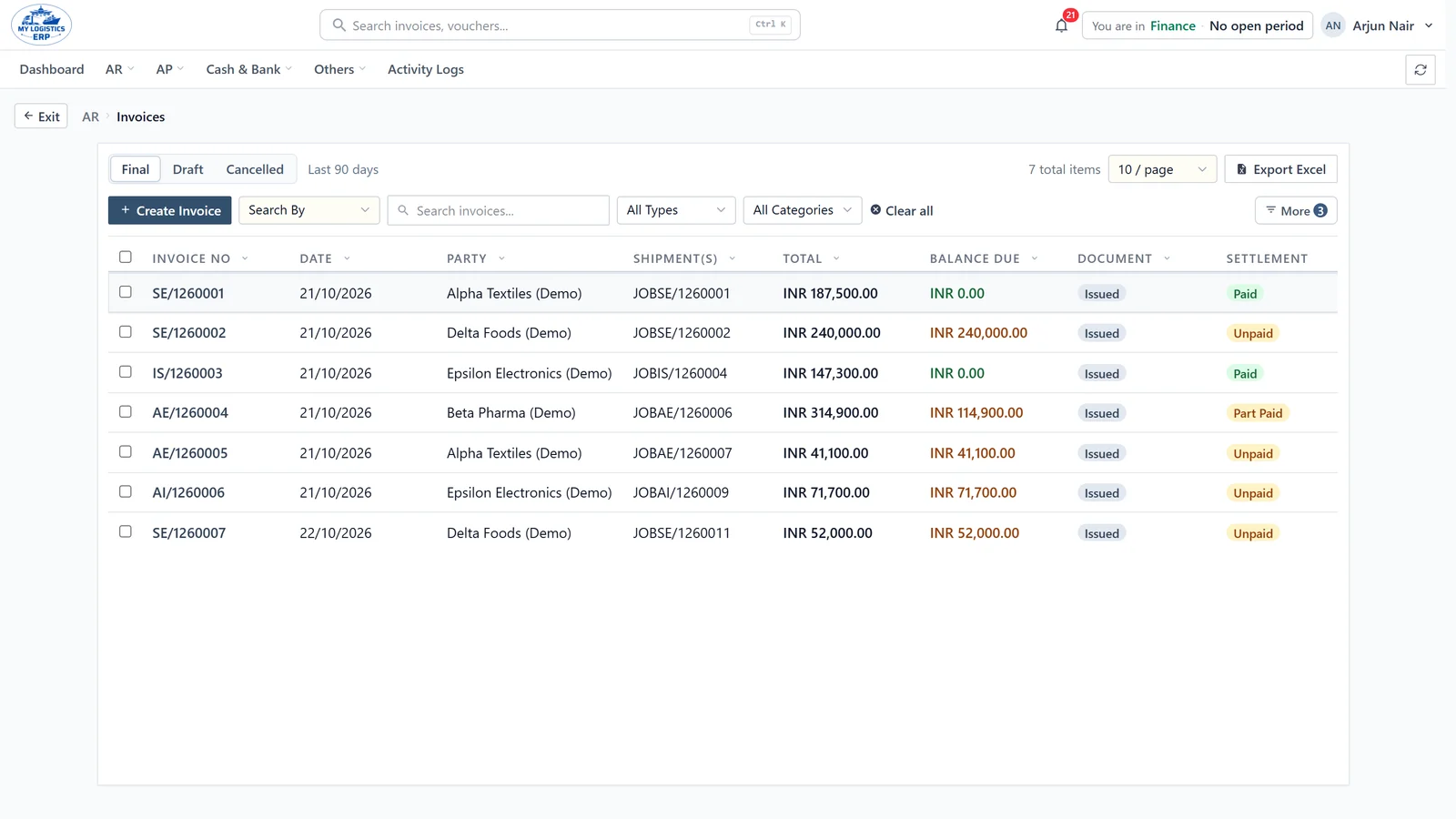
The invoice is built from the job’s own charges and posts its ledger entry by itself: customer debited, each income head credited.
Approvals
Whoever raises an invoice cannot post it. Drafts wait for finance, and finance users sign in with a second code from their authenticator app.
Collections
What every customer owes today comes from the same ledger every invoice and receipt posts to, printable as a PDF in one click.
Every screen above is MyLogisticsERP itself, shown with a demo company’s data.
Modules
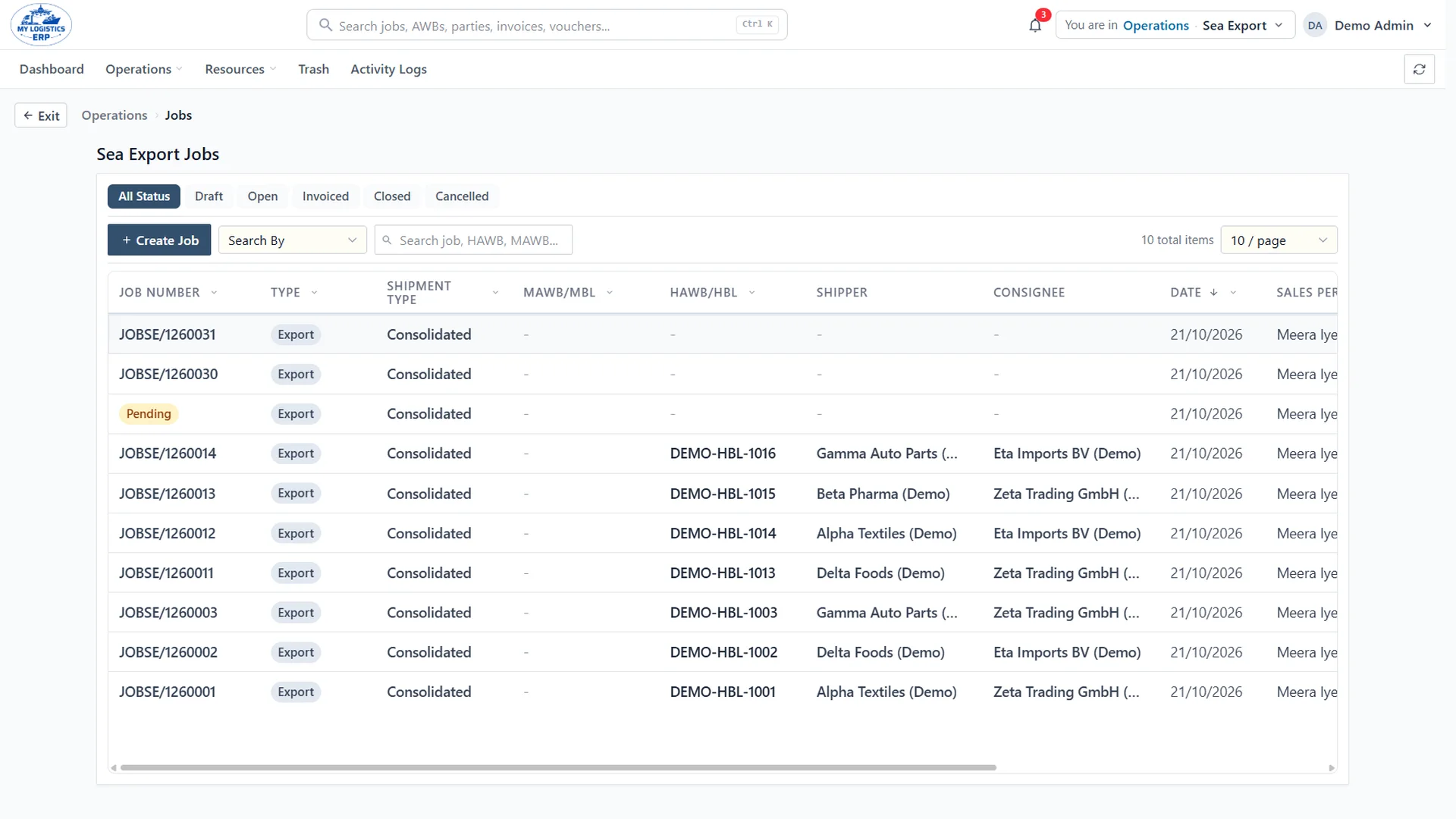
Each service has its own workspace, and all of them share the same parties, jobs and ledger, so nothing is keyed twice.
See it in action
Recorded from the live product with a demo company and invented data. Start with what customers ask about most, then explore any module.
Opening a job
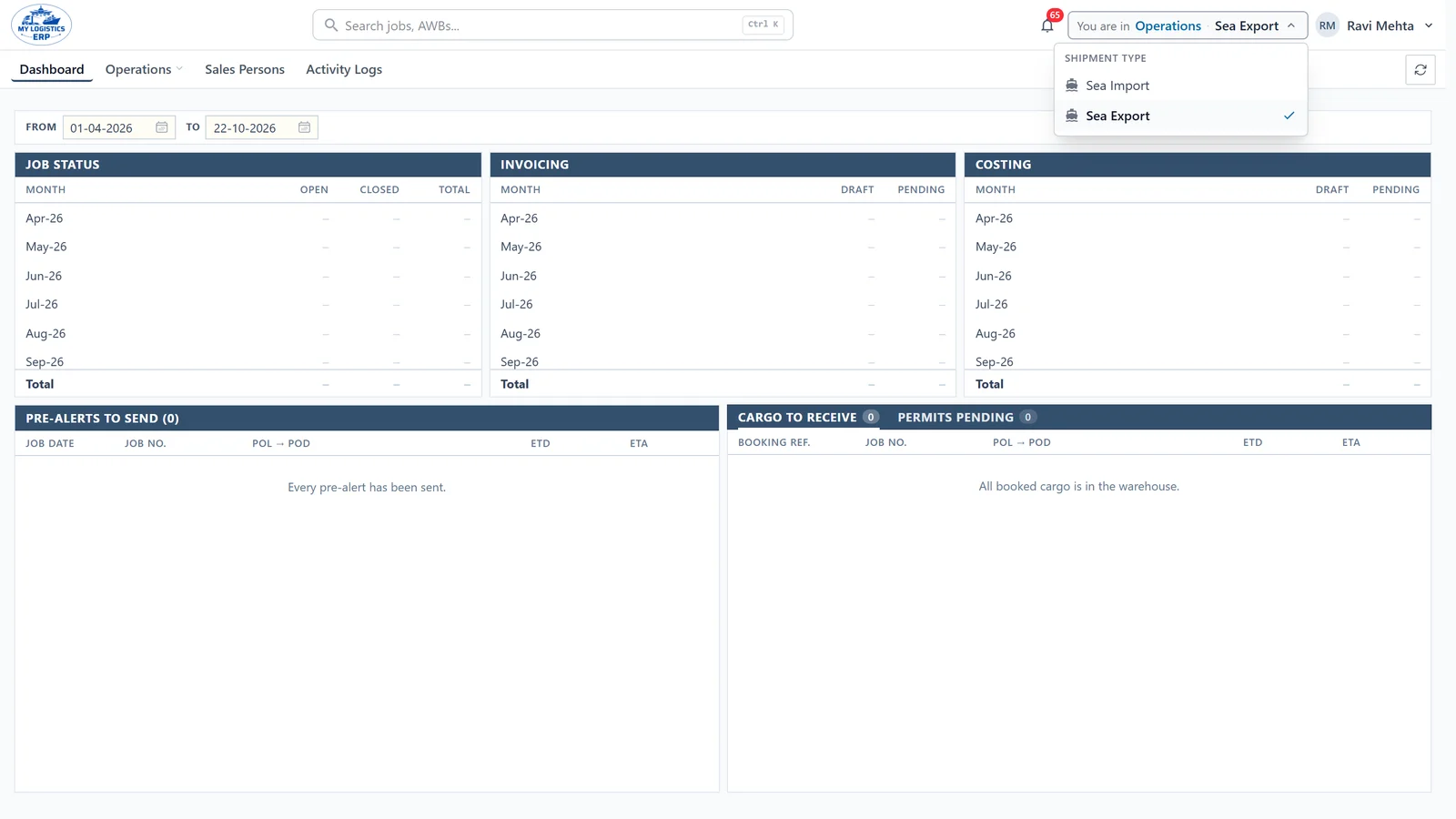
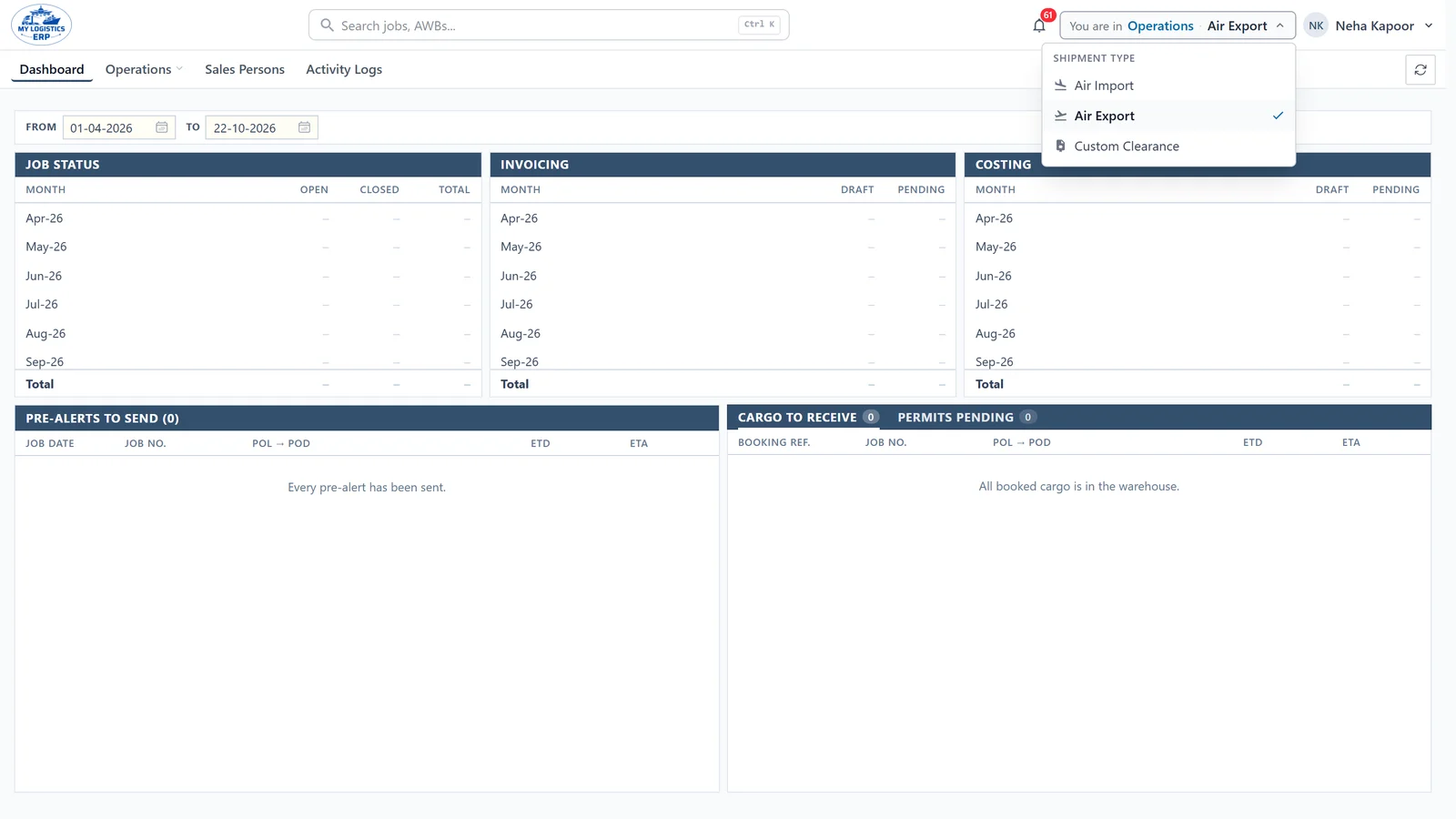
Every job starts in its module. Choose the shipment type and the system knows when to issue the job number and which documents come next.
Booking-first jobs
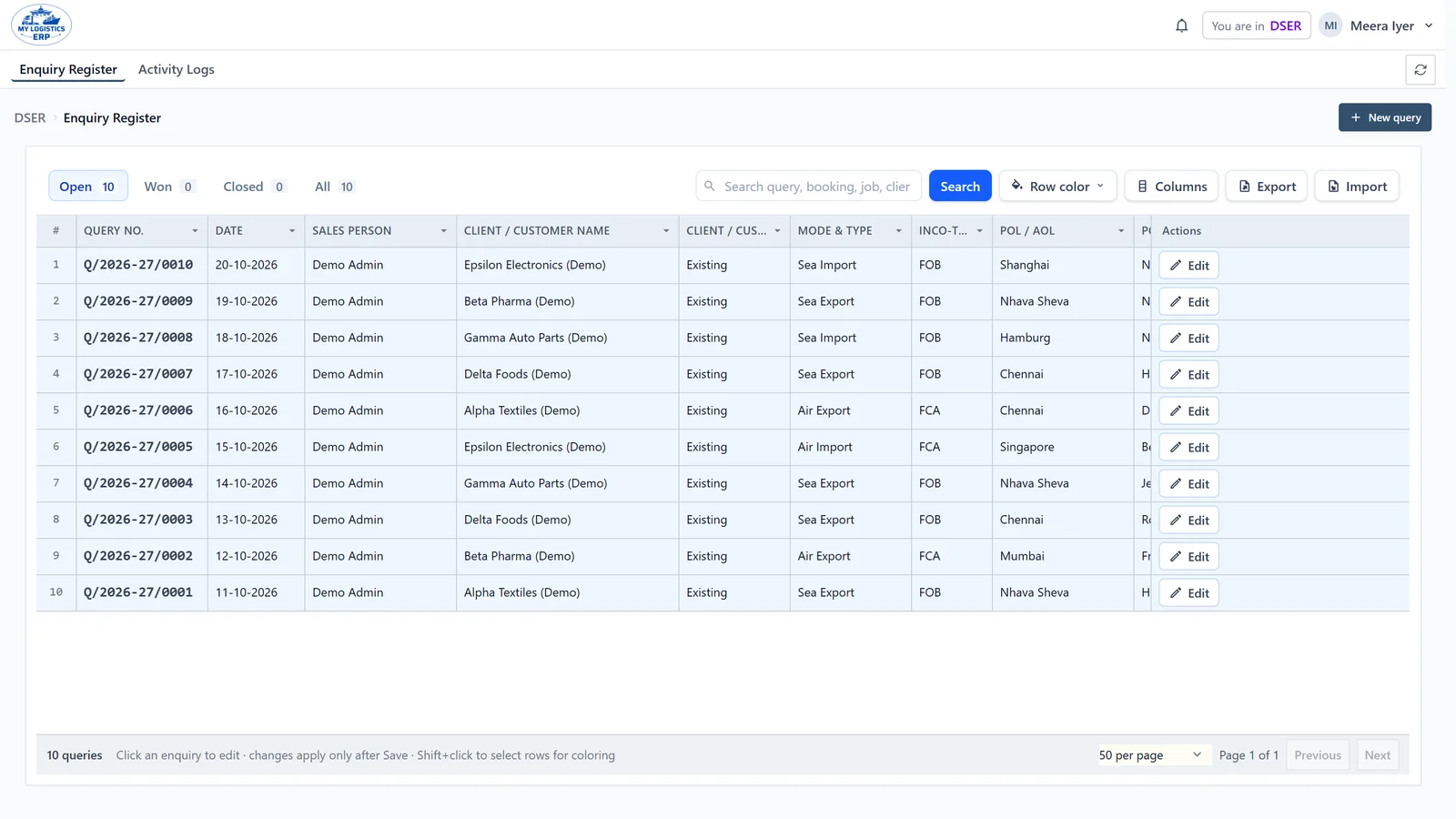
Log the booking the moment the customer confirms. It gets its own Booking No., and the job number comes now or with the first document, your choice.
Invoicing
Each charge lands on its own income head and the ledger entry is created the moment the invoice is approved.
Every module
Recorded from the live product with a demo company. Choose an area, then any screen.
Sea Export
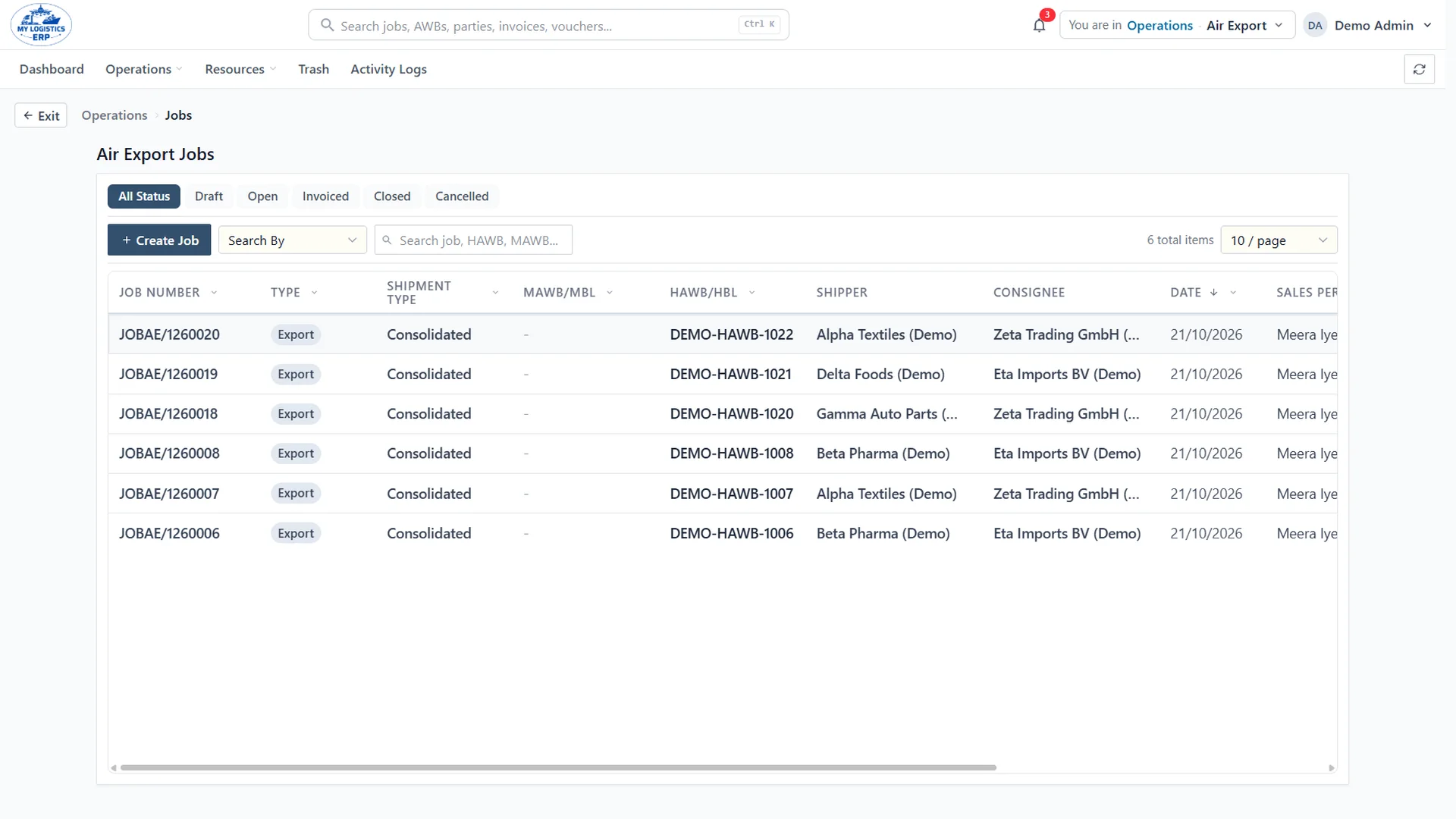
FCL and LCL export jobs carry their house B/L, parties and salesperson, so the whole desk works from one register.
6 walkthroughs in Operations
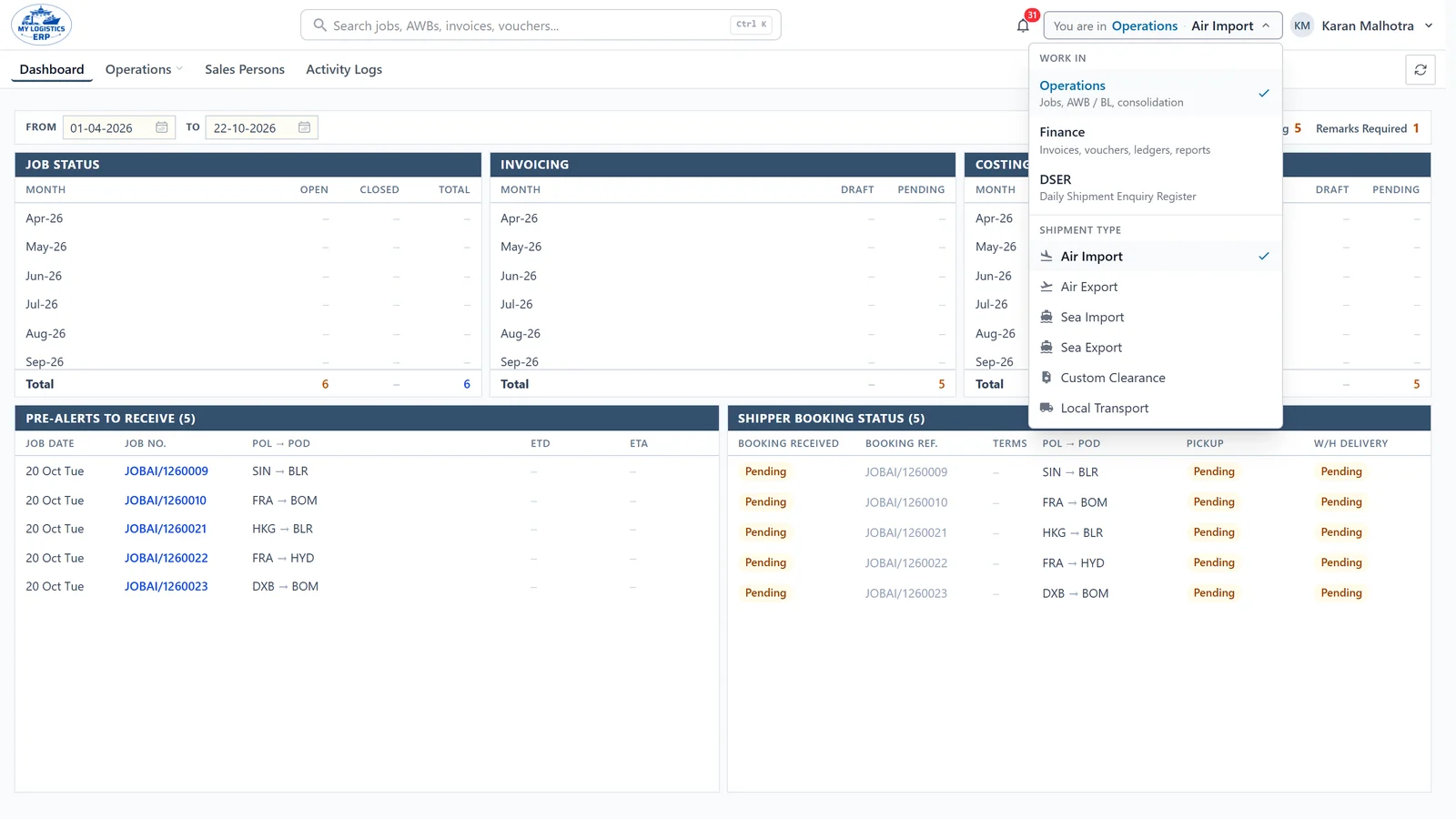
Who sees what
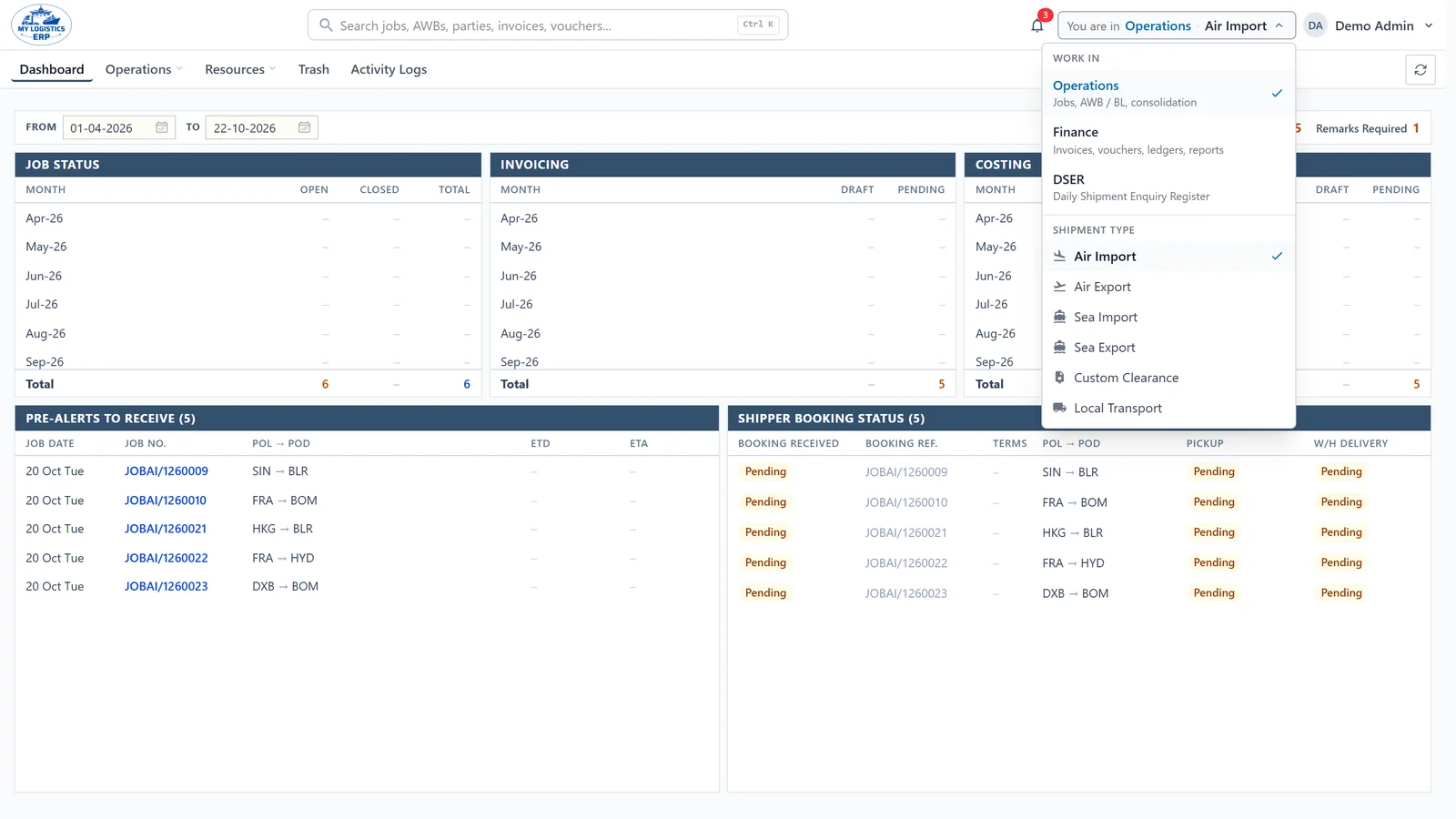
Access is set per person: the workspace, the shipment types and the menus. The server checks it on every request, so a link to someone else’s screen shows them nothing.
Signs in with a second code from an authenticator app
How it works
Every step picks up where the last one left off. The job carries its documents, charges and invoices, so profit is known the moment it is billed.
Why MyLogisticsERP
Your shipments and your books live in one place, so that place has to be secure, controlled and accountable.
Each company’s data is isolated at the database level, not just hidden in the screen.
Give finance, operations or both — down to which screens each person can open.
Who created, changed, approved or voided every record, and when.
Back-dated entries and sensitive changes wait for the right person to approve.
Deleted records go to a recoverable trash instead of disappearing.
Runs in the browser and installs on desktop or phone, always on the latest version.
Pricing
We do not publish a price list. Every forwarder runs different modules, team sizes and volumes, so we price yours: tell us what you need and we will send a quote.
Included with every plan.
Build your quote
Your answers open as a message from you. Nothing is stored on this site.
Get started
We walk your team through a workspace set up the way you operate: sea, air, customs, transport and accounts.
Talk to a person
Questions about your setup, pricing or moving from your current system.
MyLogisticsERP is a product of AB NXTGEN Technologies Pvt Ltd.